


Lootzino App: Mobile Casino Gaming
The Lootzino app was developed for all our Android and iOS users who prefer to play from their mobile devices. With our online casino, it’s possible. The mobile software has all the functionalities from the main desktop version, including games, payments, promotions and much more. We recommend everyone try the mobile Lootzino Casino experience at least once!



Lootzino Mobile Platform
The statistics show that 80% of players at Lootzino Casino prefer smartphones and tablets for their favorite games. This makes sense because they are not tied to a specific location, and mobile devices are always with you. Of course, the appearance and functionality of the mobile software also play a role. However, the Loot Zino app has no issues in this regard.
Our game collection of 6,000+ titles is available for everyone on mobile. Live dealer games are translated in HD quality and fully optimized for smartphones and tablets so that you don’t miss anything from the process. All software providers that we work with develop titles that are great for mobile devices. That is why you have full access to them from any gadget.
In the table below, you will find elements of the Lootzino app that make the process for our players easier and better overall.
| Experience element | How it works | Why it’s better for you |
| Speed | The cached data ensures an instantaneous load. | This ensures that you spend less time waiting and more time playing. |
| Accessibility | It is compatible with a wide range of devices and browsers. | There are no issues with compatibility. |
| Privacy | An app store account is not required. | It keeps your gaming activity private. |
| Updates | The system updates seamlessly. | Users always have the latest version. |
Lootzino Casino Mobile App for Android
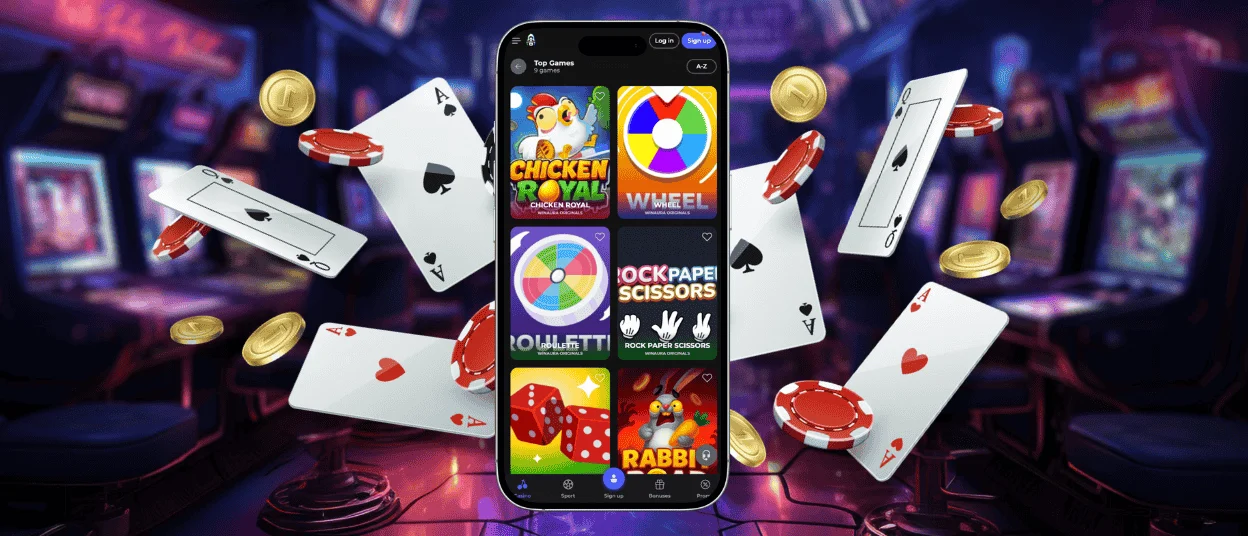
If you have an Android phone or tablet, we have an excellent solution for you. You don’t have to download any unknown Lootzino APK files or worry about running out of storage space on your device. We developed a progressive web app (PWA) for all Android users.
The Lootzino app offers an unforgettable mobile experience with thousands of online slots, quick payments and a 24/7 multilingual support team. The software is designed to adapt to your device size and touchscreen perfectly. The speed and accessibility in this case are just perfect.
Because the Google Play Store has some restrictions on gambling brands, you can install the Lootzino app from our official website. It won’t take a lot of time, and you’ll have all your favorite titles in your pocket:
- Go to the footer of the website.
- Click the “Casino App” button. The installation will start automatically after this step.
- After the software is installed, the Loot Zino icon will appear on your home screen.
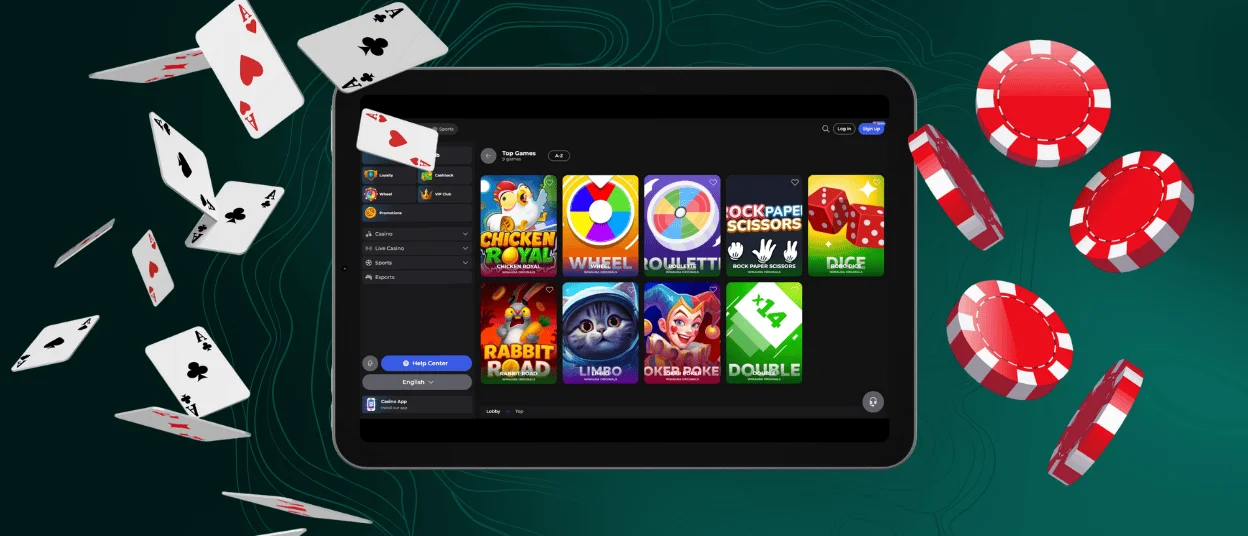
Lootzino Casino Mobile App for iOS
IOS users have no fewer opportunities when talking about the mobile Lootzino Casino. You have three main options: browser version, PWA or a shortcut icon. All three versions are compatible with modern iPhones and iPads.
The Lootzino app for iOS has the same design and navigation as the desktop version. That’s why our regular clients will feel familiar using their mobile devices. Our mobile software is available for installation on our website. The whole process will take just a few minutes.
You can always simply use the browser version. To have quicker access, all mobile browsers offer to install a shortcut icon for your home screen, which will take you to the platform with one click. If this option is for you, follow our instructions below:
- Open our website in the preferred mobile browser (Safari, Google Chrome, etc.).
- Click the “Share” button.
- Scroll down and click “Add to Home Screen.”
- Confirm the action by choosing “Add.” After that, the icon will appear on your main screen. You can change its location anytime.
Windows & macOS App Downloads
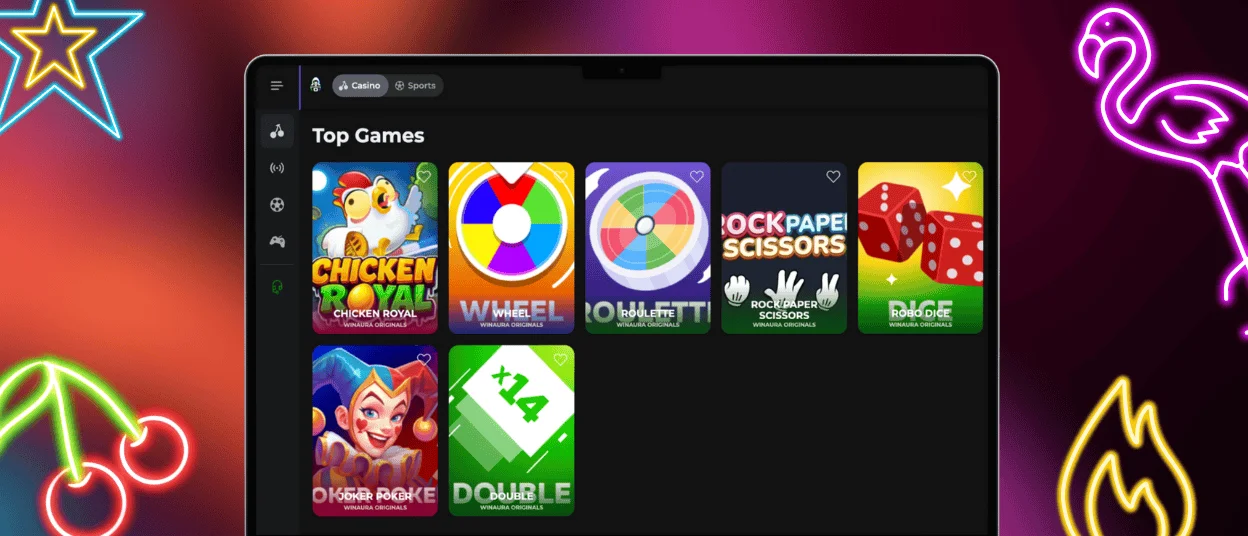
The classical desktop is always available for you in any browser. You don’t have to download any additional apps to get access to Lootzino Casino. But many users prefer a big screen to be even more involved in the gaming experience.
To get even quicker access to the Loot Zino website, you can install a shortcut icon on your main screen. To do that, just visit our website, and in the page settings, find the “Add to Home Screen” button. It will make you only one click away from us.
FAQ
Does the Loot Zino Casino App Offer Customer Support?
Lootzino Casino is a reflection of the main desktop version and it also includes customer service. You can contact our support team 24/7 via live chat or email.
Is Creating an Account Required to Use the Loot Zino App?
To get access to all games and functionalities of the Lootzino app, you have to create or log in to your account. If you have already registered on our platform, all your data and achievements will be synchronized across devices. Before your first withdrawal from the mobile app, we will also ask you to go through a quick verification process.
Are All Games Available in the App?
All 6,000+ titles from trusted software providers are also available in the mobile casino. We want you not to lose anything from the process but to make it even better.
How Can I Update the Lootzino Casino App?
As it is a PWA, it updates itself without any additional steps on your side. But if we make major changes, you will receive a push notification to install the latest version from our official website.


